Building My Personal Website with Flask, Docker and MikroTik
A self-hosted personal website built with Flask and running inside a Debian Docker container on a MikroTik hAP ax3.
Introduction
This website is a small personal project built to document the software, automation and infrastructure projects that I work on in my spare time. It is also an experiment in building and running a real web application on hardware that is normally used primarily as a network device.
The website is built with Python and Flask and runs inside a Debian-based Docker environment on a MikroTik hAP ax3.
Why I Built It
I wanted a simple place where I could document the things I build, rather than keeping projects, notes and ideas scattered across different places.
At the same time, building the website gave me an opportunity to work with Flask, databases, templates, Bootstrap, Docker and Linux in one small project.
The Hardware
The website runs on a MikroTik hAP ax3.
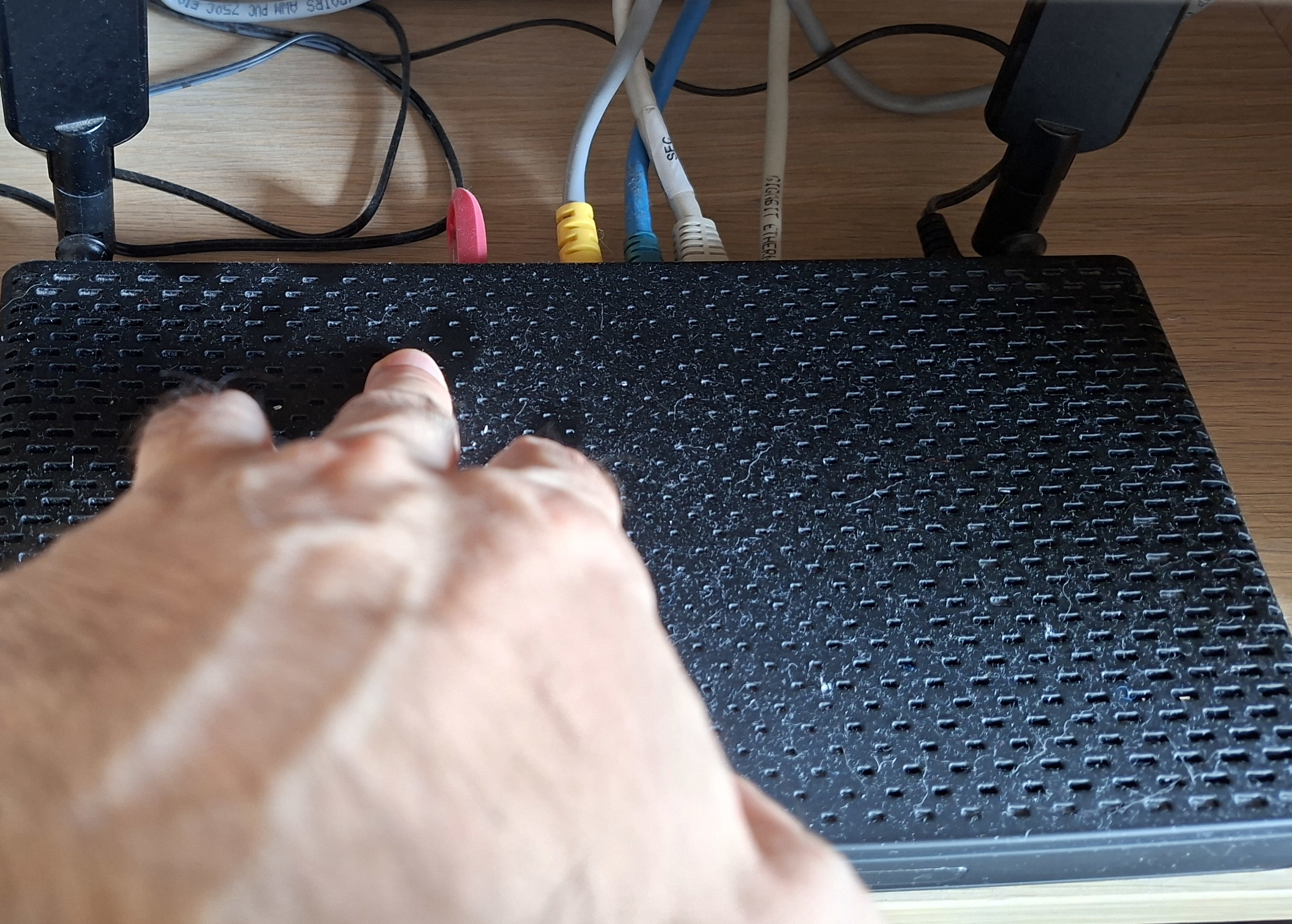
A USB flash drive is connected to the hAP ax3 and is used for the container storage and application data. The red USB flash drive can be seen in the project photo above.
The combination of a compact router, USB storage and Docker makes it possible to run the complete website without using a separate server.
Flask, Docker and Debian
The application is written in Python using Flask.
Flask provides the web application framework, while Jinja templates are used to build the pages. Bootstrap and custom CSS are used for the frontend.
The Flask application runs inside a Debian Docker container. This keeps the application environment separated from the MikroTik itself while allowing the router to provide the hardware and container runtime.
Running on the MikroTik
One of the interesting parts of this project is that the website is not running on a traditional web server.
The MikroTik hAP ax3 provides the platform for the container, while the USB storage holds the container filesystem and application data.
This makes the project a combination of software development, Linux administration, containerization and networking.
Container Resources
At the time of the screenshot, the container was using approximately 116 MiB of RAM and had a reported container size of approximately 973 MiB.
This is one of the things I find interesting about the project: a complete Python web application can run in a relatively small Debian container on a compact networking device.

What I Learned
This project brought several different parts of my home lab together.
It gave me practical experience with Flask application structure, Jinja templates, Bootstrap, Docker containers and deploying a Python application to a small ARM-based device.
It also reinforced something I enjoy about self-hosting: a useful project does not always require a large server or complicated infrastructure.
What's Next
The website will continue to evolve as I build new projects and learn new things.
For now, the goal is simple: keep it useful, keep it self-hosted and keep building.